GIA can now keep watch for you, on a place or on a subject.
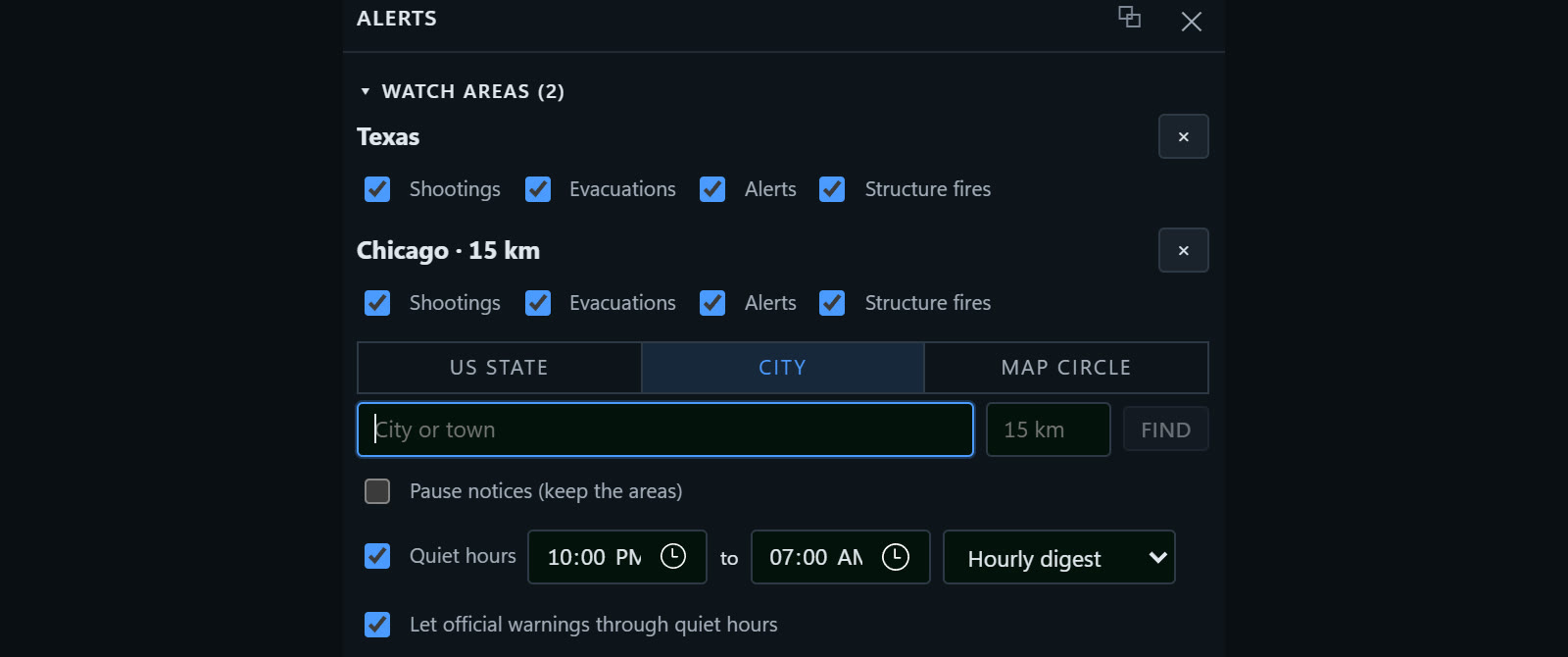
Watch a place
Draw a watch area, a US state, a city or a circle, and GIA tells you when a shooting, a fire, an evacuation or an official alert turns up inside it. Quiet hours hold the rest for an hourly or daily digest, and official life-safety warnings still come through.
Watch a subject
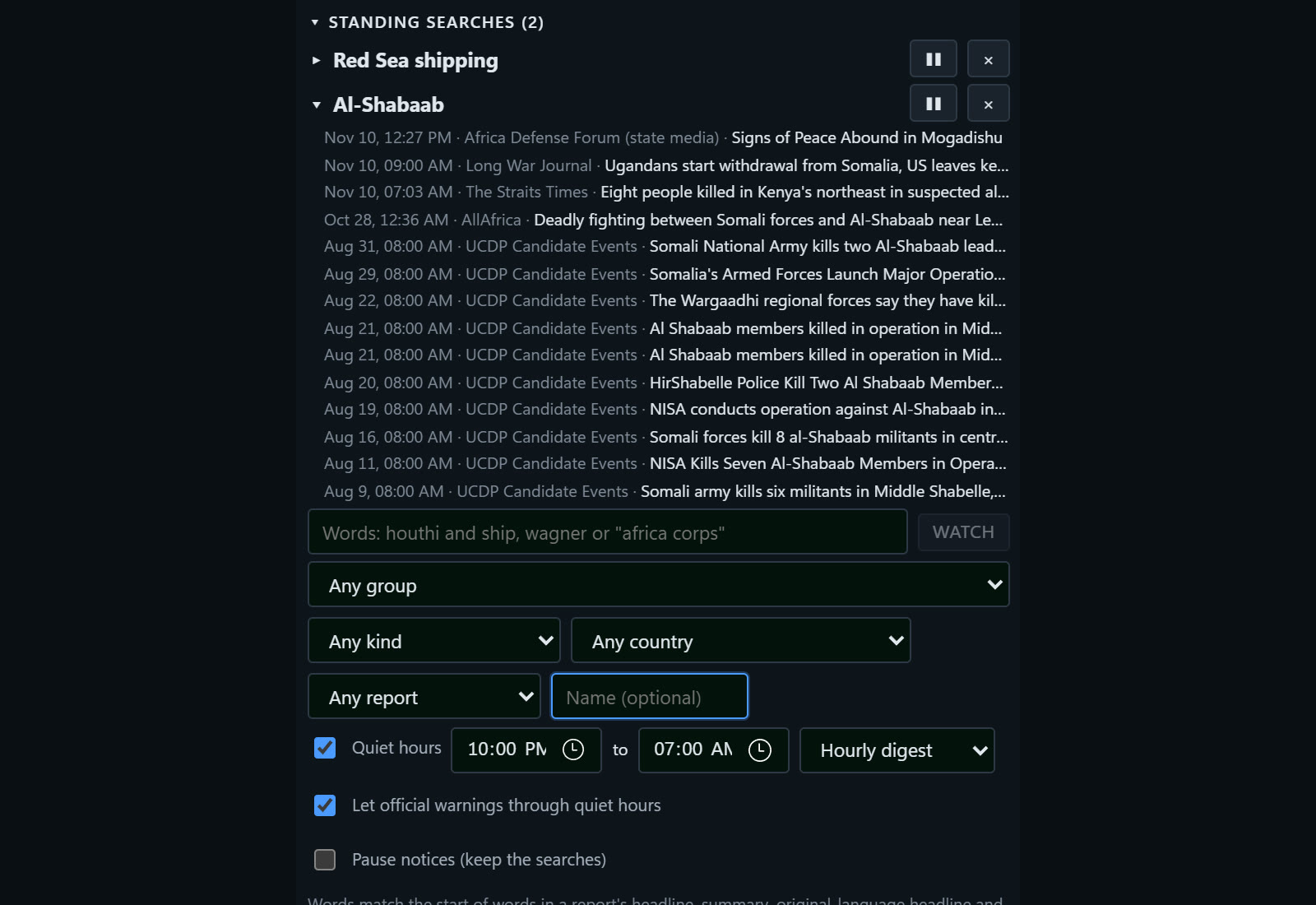
A standing search tells you once per event when a new report matches, such as "Houthi and ship", or here every Wire report naming al-Shabaab.
Back to work in one step
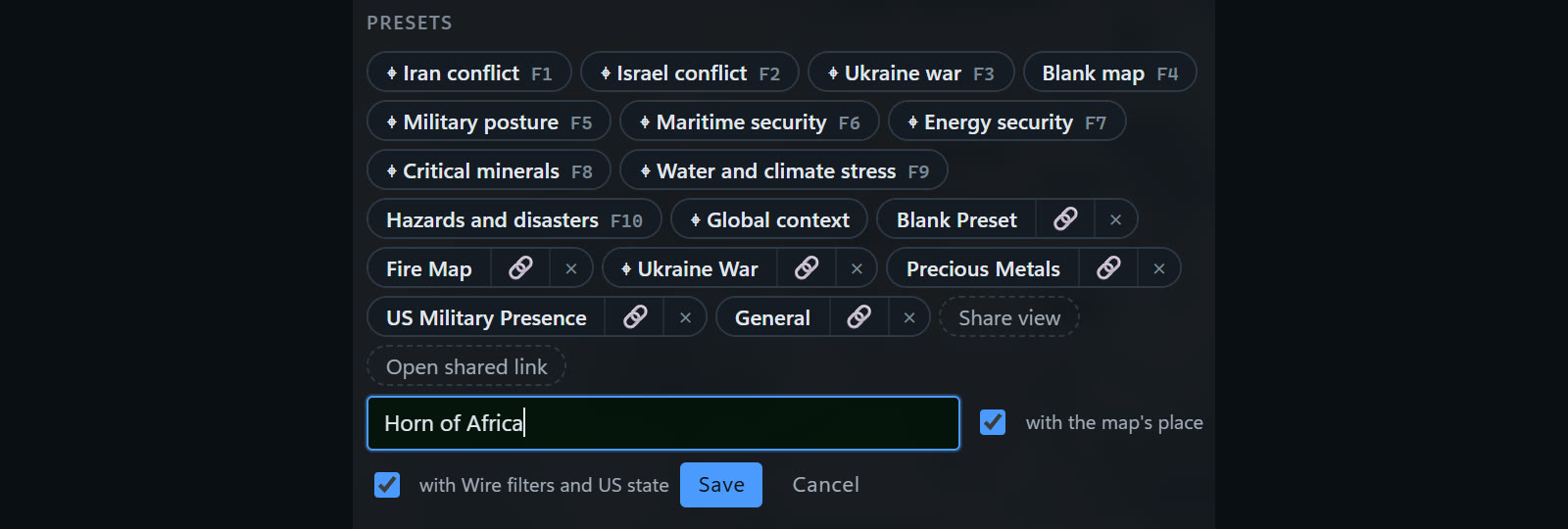
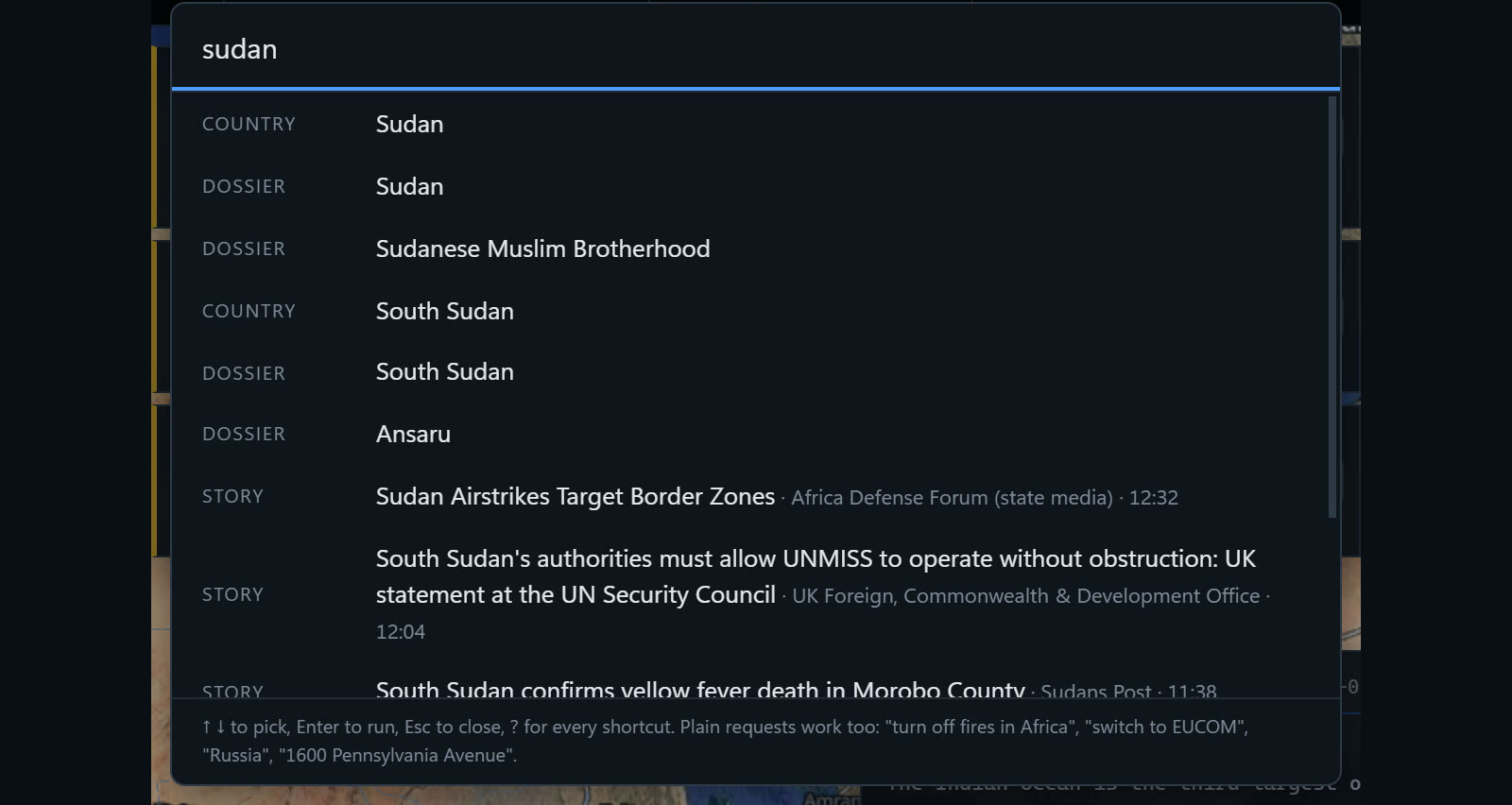
Saved views bring back the map as it was, with its place, its layers and the Wire's filters, in one click. Ctrl+K is one box for countries, dossiers, stories, layers and places: type a few letters and press Enter.
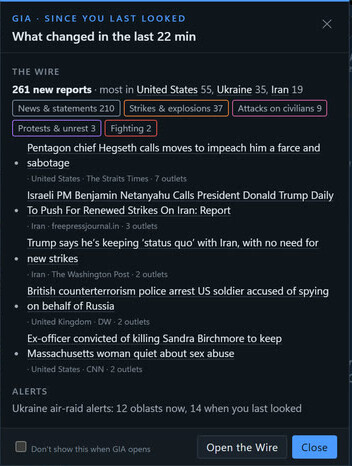
What changed since you last looked
Open GIA after time away and it says what came in: new reports by kind and country, the top stories, and alerts that changed.
Development continues every day, and the release is coming soon. Thank you to everyone watching GIA take shape. Please share this with someone who would want to see it.